
Block Craft 3D Review: A Friendly Building Sandbox With Guided Blueprints

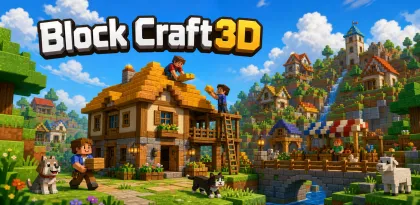

Block Craft 3D is a building-focused sandbox where players grow a village, follow blueprints, create custom structures, and visit other towns. It removes survival enemies from the center of play, making construction and exploration the main goals.
This Block Craft 3D review focuses on the current core experience rather than a temporary event. Live rewards, balance, prices, and availability can change by region or update, so the official listing and in-game notices remain the final reference for time-sensitive details.
Building Is the Main Objective
Players place block-based foundations, walls, roofs, furniture, and decorative elements to complete buildings or invent their own. Finished construction expands the village, while visits, pets, custom blocks, and selling creations add social and progression layers.
The important systems are connected:
- blueprints provide guided builds for players who do not want to design from scratch.
- an open world supports free construction.
- friends' villages can be visited for ideas and cooperative progress.
- animals and furniture make completed spaces feel inhabited.
During the first hour with Block Craft 3D, use the game's feedback to understand success rather than accelerating progression. Identify the resource that limits the next decision and the mistakes that normal play can correct. That foundation matters more than collecting rewards whose purpose is still unclear.
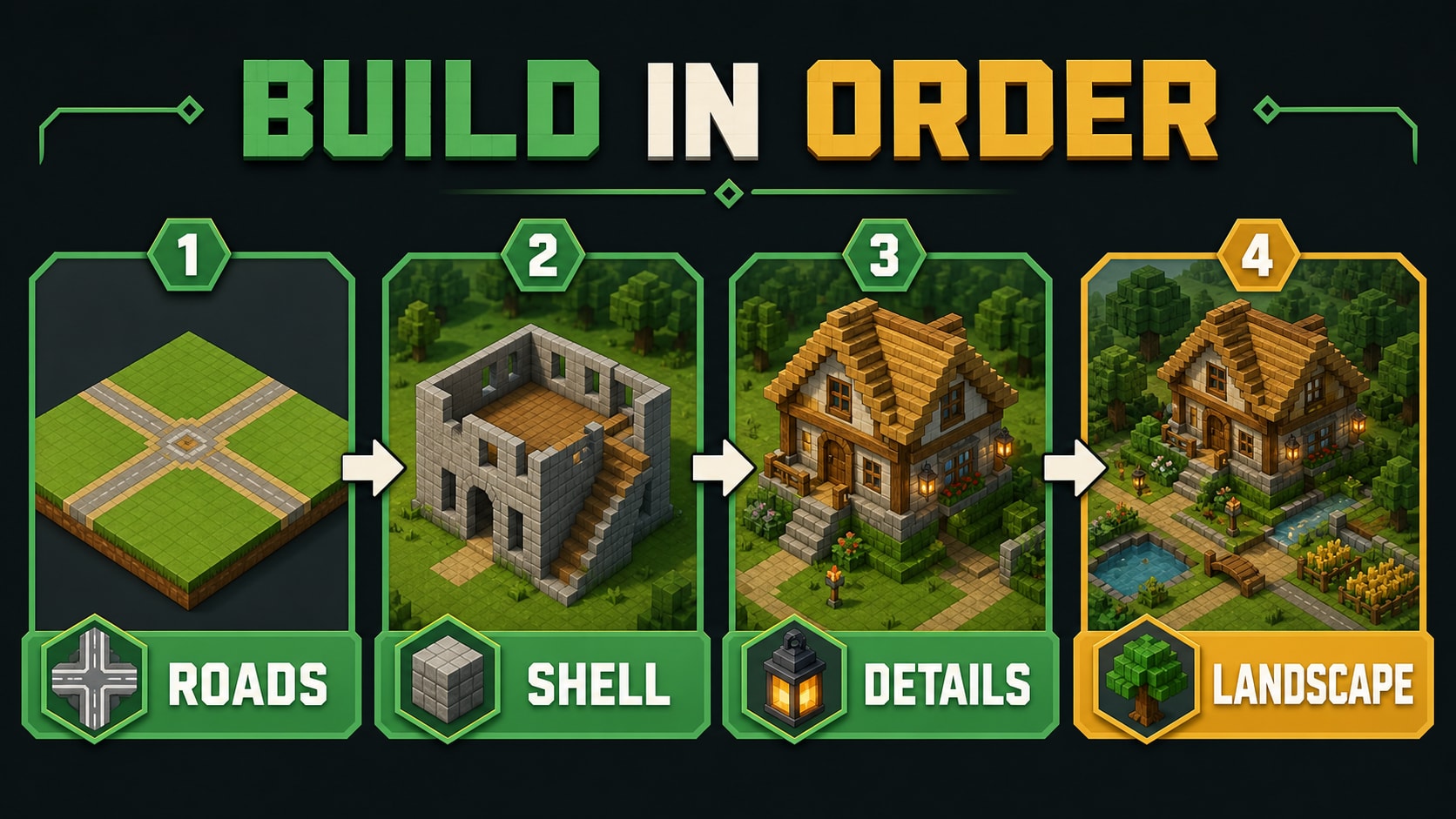
Editorial illustration: the core loop becomes easier to manage when each decision has one clear purpose.
A Better Beginner Strategy
Start with a compact street rather than scattering buildings across a large area. Establish a palette and repeat a few materials so the village looks intentional. Use blueprints to learn proportions, then alter entrances, roofs, and landscaping once the basic shape is stable.
Before building upward, walk the plot once and confirm that roads, doors, and neighboring structures still leave enough room for movement.
A practical starting plan is simple:
- mark roads and plot boundaries before raising walls.
- finish one usable district before expanding.
- save rare materials for a project with a clear design.
- visit other villages for layout ideas without copying every detail.
Do not interpret a weak Block Craft 3D session as proof that the account needs more power. First ask whether the problem came from information, timing, positioning, resource use, or an unsuitable objective. A long progression system can make the store look like the fastest answer even when a change in approach would solve the same problem.
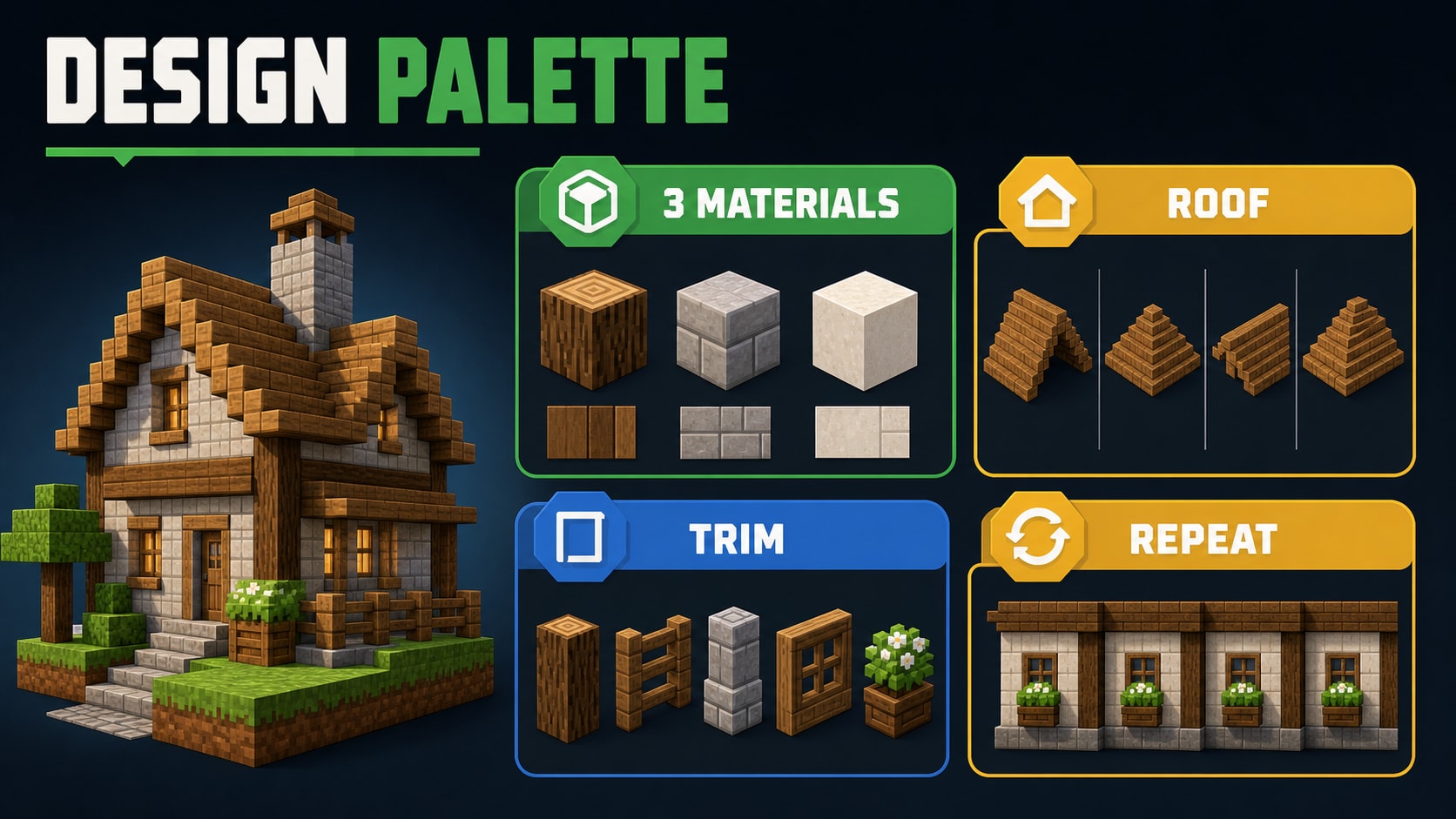
Editorial illustration: planning one step ahead is more reliable than reacting to every prompt.
Progression Works Best With a Narrow Goal
Village growth, building variety, custom blocks, pets, furniture, and social visits give creators many directions. The game rewards visible expansion, but creative satisfaction usually comes from revising a small area until it reads well.
For Block Craft 3D, choose one short-term objective and one long-term objective. The short goal should improve a repeatable part of the current loop. The long goal can guide upgrades and collection without turning every event into an obligation.
Important limits include:
- the building loop may feel aimless without self-imposed projects.
- social and selling features require careful account behavior.
- free-to-play resource systems can slow large builds.
- the block aesthetic limits fine architectural detail.
If Block Craft 3D presents premium currency, passes, randomized rewards, or rotating offers, set a spending amount before opening the store. On a family device, enable purchase authentication. Time is also a cost, so a planned stop point protects the quality of the next session.
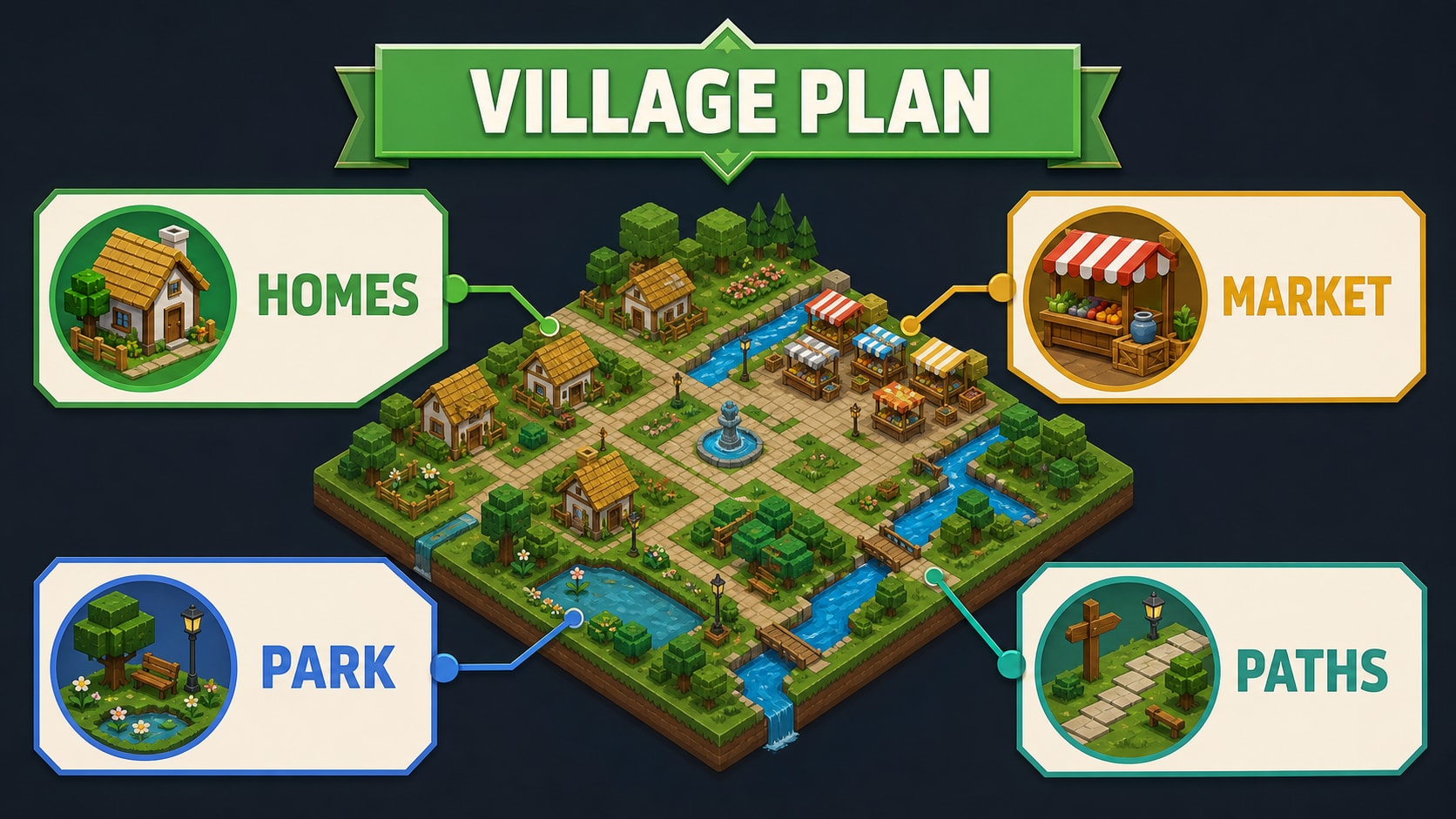
Editorial illustration: a narrow upgrade plan keeps long-term progression readable.
Who Should Play It?
Block Craft 3D is best for players who want a relaxed construction sandbox with blueprints and no monster pressure. It is harder to recommend if you need survival combat, realistic physics, or complex engineering systems.
Before a longer Block Craft 3D session, device and network conditions matter as much as the headline feature list. Leave storage space for updates, prefer a stable frame rate over maximum visual settings, and use a trusted network for large downloads. When online interaction is present, keep personal contact details outside public chat and use the game's reporting and blocking tools.
Strengths and Weaknesses
Strengths
- Construction remains the central activity.
- Blueprints lower the creative barrier.
- Friendly villages and pet features.
- Open-ended projects support long play.
Weaknesses
- Large projects can become resource-heavy.
- Few built-in goals for advanced creators.
- Social discovery quality varies.
- Simple blocks restrict detailed shapes.
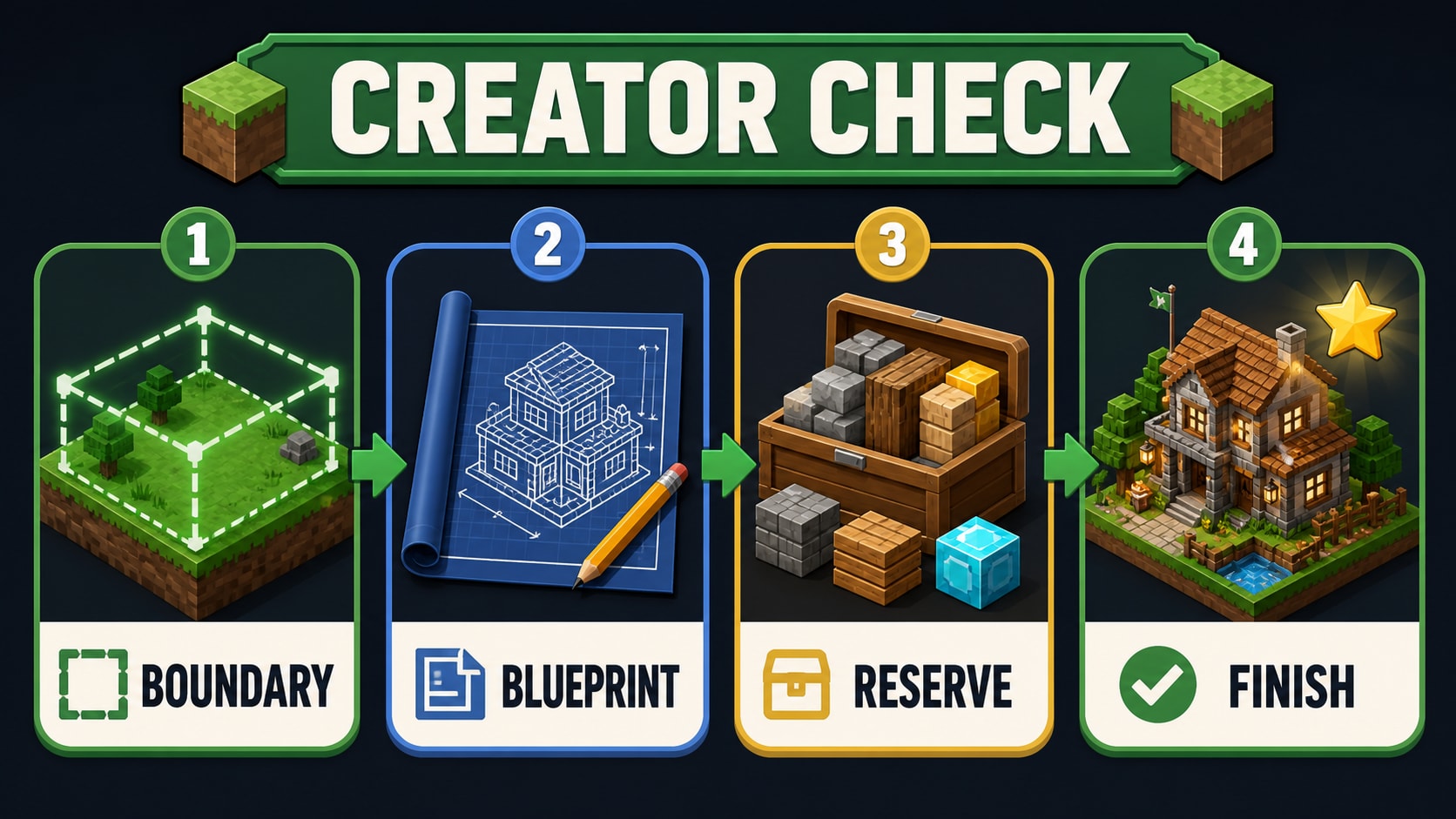
Editorial illustration: check the goal, technical conditions, budget, and stop point before another session.
Final Verdict
Block Craft 3D is a welcoming choice for players who like the idea of a block sandbox but want guidance and a peaceful tone. A project list, consistent scale, and limited material palette create better villages than building everything as soon as it unlocks.
For Block Craft 3D, the safest download choice is the exact APKHub package associated with this article. Confirm the package identifier before installing, keep the device operating system updated, and review the permissions requested by the current build rather than assuming that an older description is still complete.


