

About Tonkeeper — TON Wallet
Tonkeeper is the simplest way to store, send, and receive Toncoin on The Open Network, a revolutionary blockchain that delivers unmatched transaction speeds and capacity, along with a robust environment for developing smart contracts.
Intuitive Non-Custodial Wallet
You can get started without any registration or personal information. Just make sure to write down the secret recovery phrase that Tonkeeper provides, and you can begin trading, sending, and receiving Toncoin right away.
Exceptional Speed and Low Transaction Fees
The TON network is built for speed and high throughput. Transaction fees are much lower than those on other blockchains, and transactions are confirmed in just a few seconds.
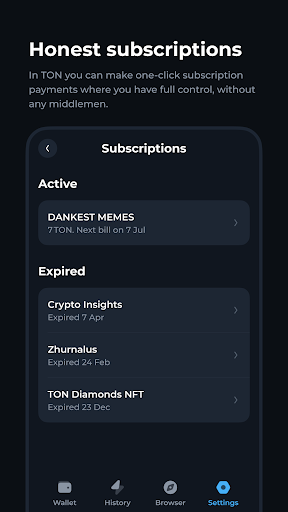
Direct Peer-to-Peer Subscriptions
Support your favorite creators by subscribing with payments made in Toncoins.
Gameplay
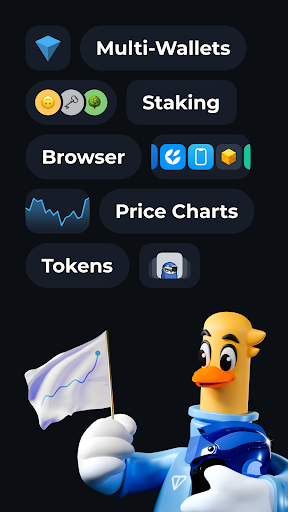
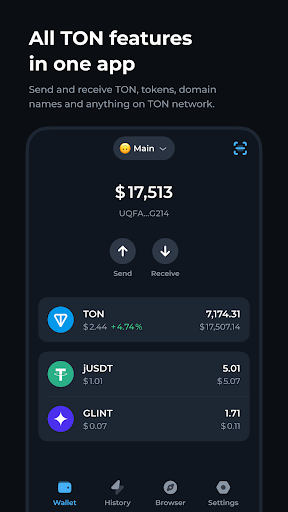
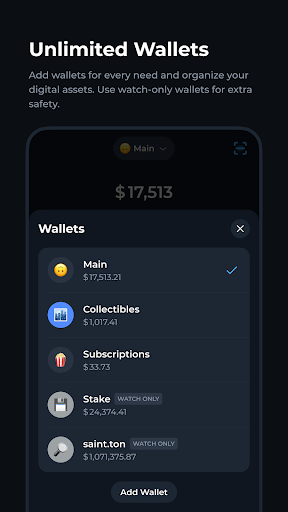
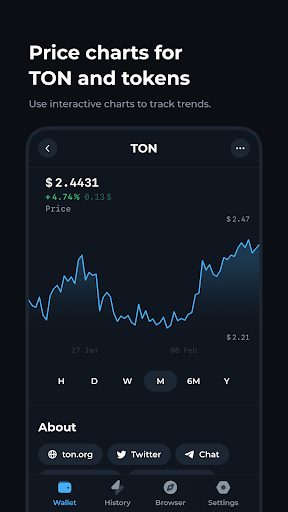
Tonkeeper — TON Wallet Screenshots
Old Versions of Tonkeeper — TON Wallet
 Tonkeeper — TON Wallet 4.11.0Download
- Tonkeeper — TON Wallet 4.12.3Oct 06, 2024Download
- Tonkeeper — TON Wallet 4.12.4Nov 04, 2024Download






Tonkeeper — TON Wallet FAQ
1. What is Tonkeeper?
Tonkeeper is a non-custodial cryptocurrency wallet designed for managing Toncoin and interacting with The Open Network (TON) blockchain. It allows users to securely store, send, and receive Toncoin and other supported tokens.
2. How do I create a wallet in Tonkeeper?
To create a wallet in Tonkeeper, download the app from the Google Play Store, launch it, and select "Create a new wallet." You will then set a PIN code and receive a 24-word seed phrase that you should write down and store securely for recovery purposes.
3. Is Tonkeeper secure?
Yes, Tonkeeper is designed with security in mind. As a non-custodial wallet, you have full control over your private keys and funds. However, it is crucial to keep your seed phrase safe, as losing it means losing access to your wallet permanently.
4. Can I use Tonkeeper on multiple devices?
Yes, you can access your Tonkeeper wallet on multiple devices by importing your wallet using the 24-word seed phrase. Ensure that you keep this phrase secure and do not share it with anyone.
5. What features does Tonkeeper offer?
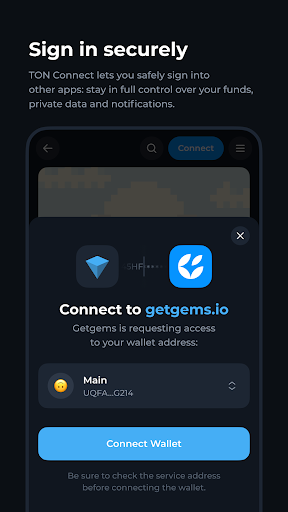
Tonkeeper offers various features, including sending and receiving Toncoin, connecting to decentralized applications (dApps), managing multiple wallets, and performing transactions through integrated exchanges. It also supports QR code scanning for easy transactions.
User Reviews
+ Reviews
Most Popular


