
Google Drive Offline on Android for a Site Handover

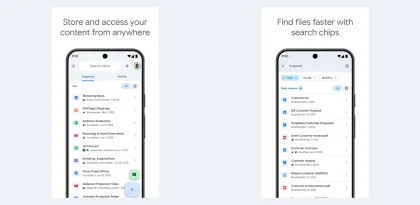

The worst moment to find out a document needs a connection is when someone is waiting for you to point to a line in it. Picture a handover in the basement of a renovated shop. The manager needs to check the approved layout, confirm which equipment was delivered, and record two items the installer still owes. Google Drive's offline option can keep the paperwork available on an Android phone. The practical question is how much of the handover can happen before the phone reconnects.

Prepare the files that settle questions on site
Start with the final floor plan, the equipment list, and a Google Doc for outstanding work. In Drive, open the menu beside each required file and choose Make available offline. The Offline view gives you a short list to reopen later. Save the final copies on the phone you will take with you, then open each one with Wi-Fi and mobile data turned off. Check the page or tab you actually expect to use. A recognizable filename is helpful, but it cannot tell you whether the drawing inside has the corrected equipment layout. Google Drive offline help for Android
For a plan, look for a visible revision or date. If the team normally swaps late changes through chat, check with whoever owns the plan before leaving. A file that opens offline solves the access problem. Confirming the revision solves the separate problem of everyone working from the same instructions.
Decide which files you need to read and which you need to edit
At the site, the approved plan serves as a reference. Open it and check where the new equipment belongs. The follow-up document has a different job. Use the Google Docs Android app to add a short entry for each outstanding item, including the room, the agreed action, and who will confirm it. Google documents offline editing in the Android Docs, Sheets, and Slides apps. If you expect to edit an uploaded file in another app, rehearse that exact workflow before counting on it. Google Docs Editors offline help

Close the loop when you reconnect
Back upstairs, reopen the follow-up document while connected and check that the new lines are visible. If another person is responsible for the next step, send them the link once you have confirmed the entry is there. An issue written down in the basement and an issue visible to the person who needs to fix it are two different milestones.
Verdict
Drive's offline mode suits a short handover with a known set of reference files and one document to update. The offline view saves time when the connection drops, and a rehearsal takes only a few minutes. The workflow is less comfortable when drawings are still being revised throughout the visit or when several people need immediate access to your changes. In those cases, agreeing which revision governs the visit and confirming the notes after reconnecting matter as much as downloading the files.


