
Survivalcraft 2 Review: A Patient Block Sandbox Built for Offline Survival

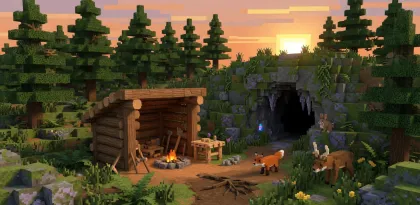

Survivalcraft 2 drops you on the shore of an infinite blocky world and asks you to gather, craft, shelter, and explore without constant live-service pressure. The store description frames a survival environment filled with animals, farming, clothing, electricity, furniture, explosives, and moving machines. Split-screen support for up to three friends and world sharing expand the sandbox beyond solo play.
This Survivalcraft 2 review focuses on the survival loop, how the 2.3-era updates change quality of life, and how to plan a first base without turning the world into a storage crisis.
The Core Loop: Gather, Craft, Shelter, Expand
You are marooned in a large procedural world. Early minutes are about wood, stone, food, and a place that keeps the cold and predators at bay. Tools open mining and better crafting. Clothes protect against weather and attacks. Animals can be hunted, herded, or ridden depending on species and your preparation. Farms, trees, and traps create renewable systems so you are not permanently scavenging.
A healthy loop looks like this:
- gather a minimal set of resources near a temporary camp
- craft tools and basic clothing before deep exploration
- build a compact shelter that stores valuables safely
- expand only when food, light, and tools support the trip
- return with materials that unlock the next system (farming, electricity, machines)
The game rewards patience. Running blindly into caves or long expeditions without light, food, and a retreat plan is how first nights go wrong.
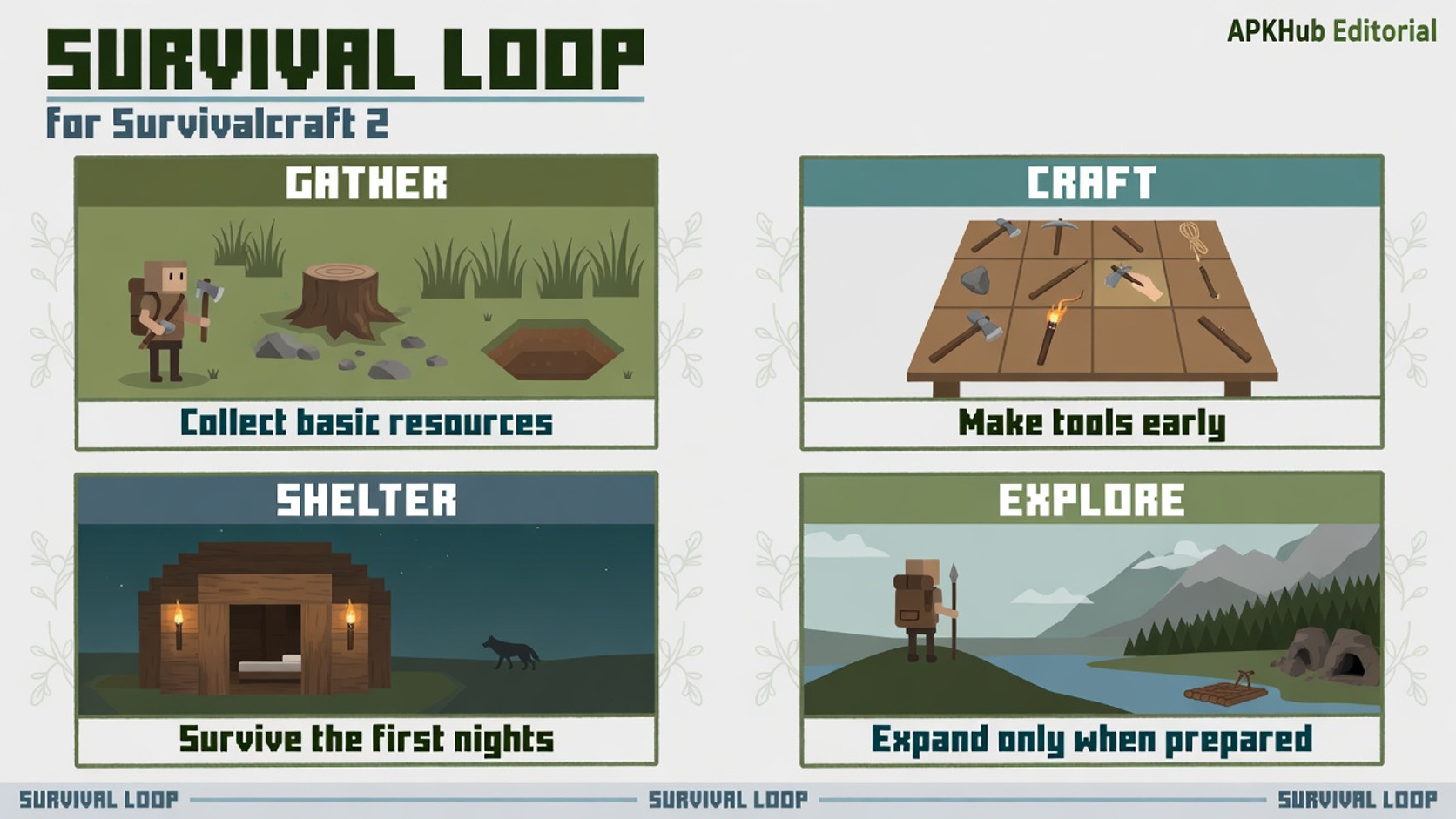
Editorial illustration: survival is a closed loop of resources, tools, shelter, and cautious expansion.
Where Decisions Matter: Risk, Animals, and Terrain
Animals are not decorations. Over thirty real-world-inspired creatures affect food supply, danger, and travel. Predators force you to think about fencing, herding, and weapon readiness. Horses, camels, or donkeys change how far a prepared player can range. Terrain and weather add second-order risk: cold nights punish incomplete clothing, while caves punish missing light and tools.
Treat the world as a system of risks rather than a pure creative canvas:
- keep food and water planning visible in your inventory habits
- hunt only when you can process and store the result
- enter caves with light, tools, and a marked exit strategy
- store valuables in a base that is harder to lose than a temporary digout
Electric devices, pistons, custom furniture, and paint support players who eventually leave pure survival for engineering and decoration. Those systems are optional depth, not mandatory day-one chores. Unlock them after the first base is stable.
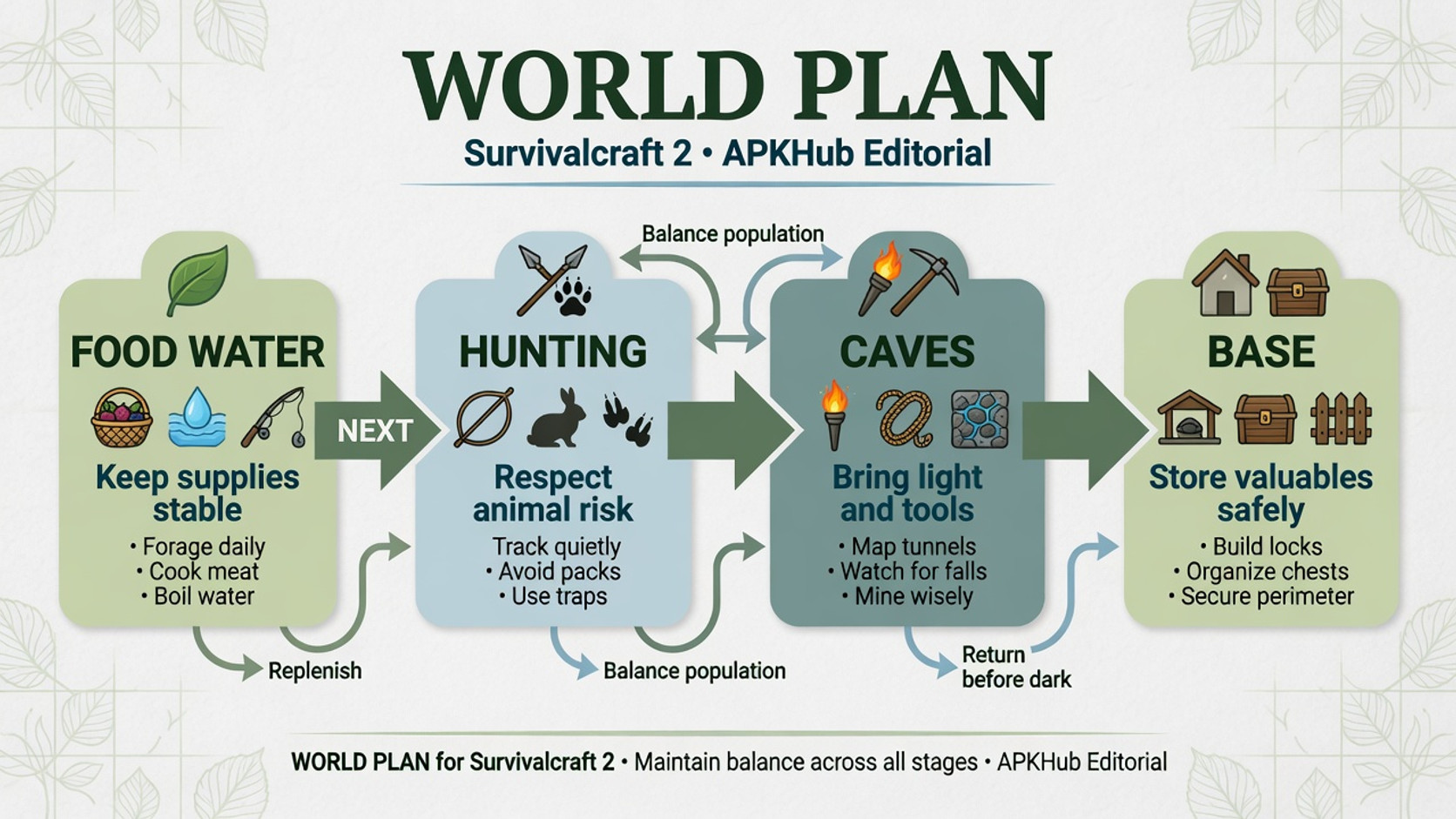
Editorial illustration: animals, weather, and caves set the danger budget for every expedition.
What the 2.3 Update Notes Signal
The store highlights a 2.3 update package that is unusually concrete for mobile sandbox marketing. Compressed terrain files can shrink world sizes dramatically (the listing claims up to 100x reduction). Cairns that drop experience and diamonds when mined add optional exploration rewards. Motion detectors can track moving blocks, pickables, and projectiles. An easier Survival mode becomes the new default, which lowers the barrier for players who bounced off harsher starts. Birds such as pigeons and sparrows join the fauna set. Crouching lets the player crawl into one-block-high spaces. Switch and button blocks become editable for voltage. Crafting yields for gunpowder, bullets, and bombs increase. Optimizations target stuttering from garbage-collection pressure, and held flat items use 3D-extruded presentation.
The notes show continued work on technical plumbing and accessibility, not only cosmetic drops. Full changelogs remain available on the developer site.
A Smart First Session
Pick difficulty honestly. If the new easier Survival default exists on your build, use it while you learn animal behavior and crafting trees. Harder modes can wait until the control language is comfortable.
First-session goals:
- secure wood, stone, and a crafting foothold near spawn
- build a one-room shelter before the first night cycle
- craft a tool set that supports mining and basic defense
- place a simple storage layout so returns from trips stay organized
- mark a short exploration loop rather than an infinite walk
Split-screen with friends is excellent for local cohabitation, but agree who owns storage and who expands the base. Shared worlds fall apart when everyone digs random holes without a plan.
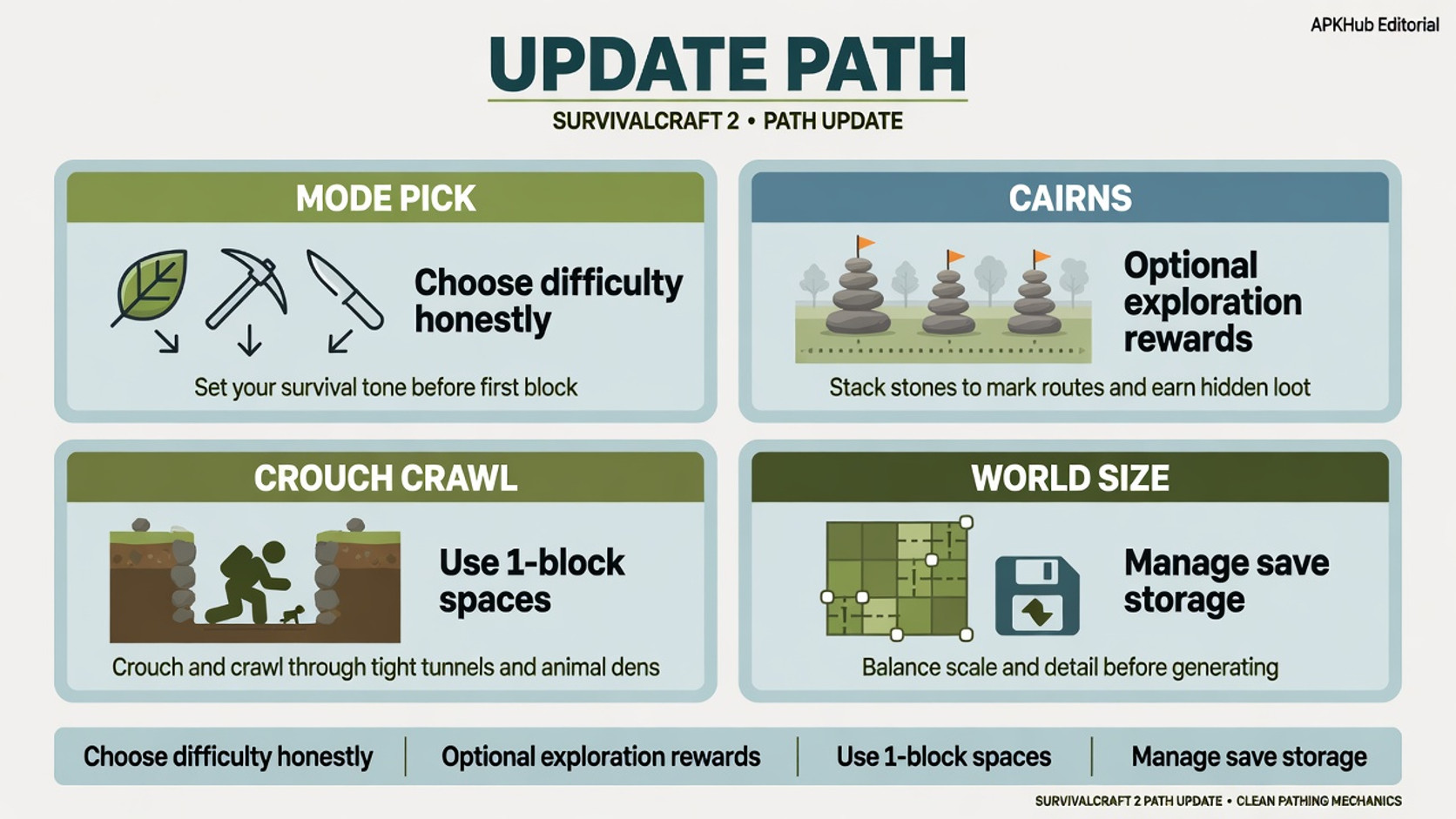
Editorial illustration: choose difficulty, stabilize a base, then grow systems only when supplies allow.
Progression Without Live-Service Noise
Progression in Survivalcraft 2 is self-directed. There is no mandatory battle pass framing in the store pitch. You unlock capability by crafting better tools, clothing sets (dozens of combinable items), farms, electrical networks, and machines. Explosives open aggressive mining paths. Furniture and paint support long-term aesthetic goals.
Set two goals per session: one survival goal (food stability, clothing, cave light) and one project goal (a field, a fence line, a piston door, a furniture room). That split prevents aimless wandering while still respecting the sandbox promise.
World files grow with exploration even when compression is strong. Back up worlds you care about, especially before major experiments with explosives or large machines. Storage management is part of responsible sandbox play on mobile devices.
Monetization and Product Notes
The Play scrape for this package reported no ads and no in-app purchases. That positions Survivalcraft 2 closer to a premium-style sandbox than to free-to-play survival clones. Always verify the current listing, price, and data-safety panel at install time. Offline-style play is a major appeal, but features such as sharing worlds online still imply connectivity when you choose those options.
Parents and shared-device households should still enable purchase authentication as a general habit, even when a title currently lists no IAP, because store configurations can change.
Who Should Play Survivalcraft 2?
Survivalcraft 2 fits players who want a serious sandbox with animals, weather, crafting depth, and engineering toys without constant monetization pressure. It rewards long bases, farms, and electrical experiments. Local split-screen makes it a strong pick for couch co-survival.
It is less ideal if you want polished multiplayer mega-servers, guided quests, or fast competitive progression. Players who only want creative building with zero survival friction should check mode options carefully and may prefer pure creative sandboxes.
Strengths and Weaknesses
Strengths
- Deep offline-style survival and construction sandbox
- Animals, clothing, farming, electricity, and machines add real systems
- 2.3 notes show continued technical and accessibility work
- Split-screen support for local shared worlds
- Scrape showed no ads or IAP—confirm on the live store page
Weaknesses
- Learning curve for crafting and risk systems can feel dense
- Mobile controls for building and combat need patience
- World storage still requires discipline despite compression
- Visual style is functional rather than blockbuster
- Online sharing features need clear friend/trust boundaries
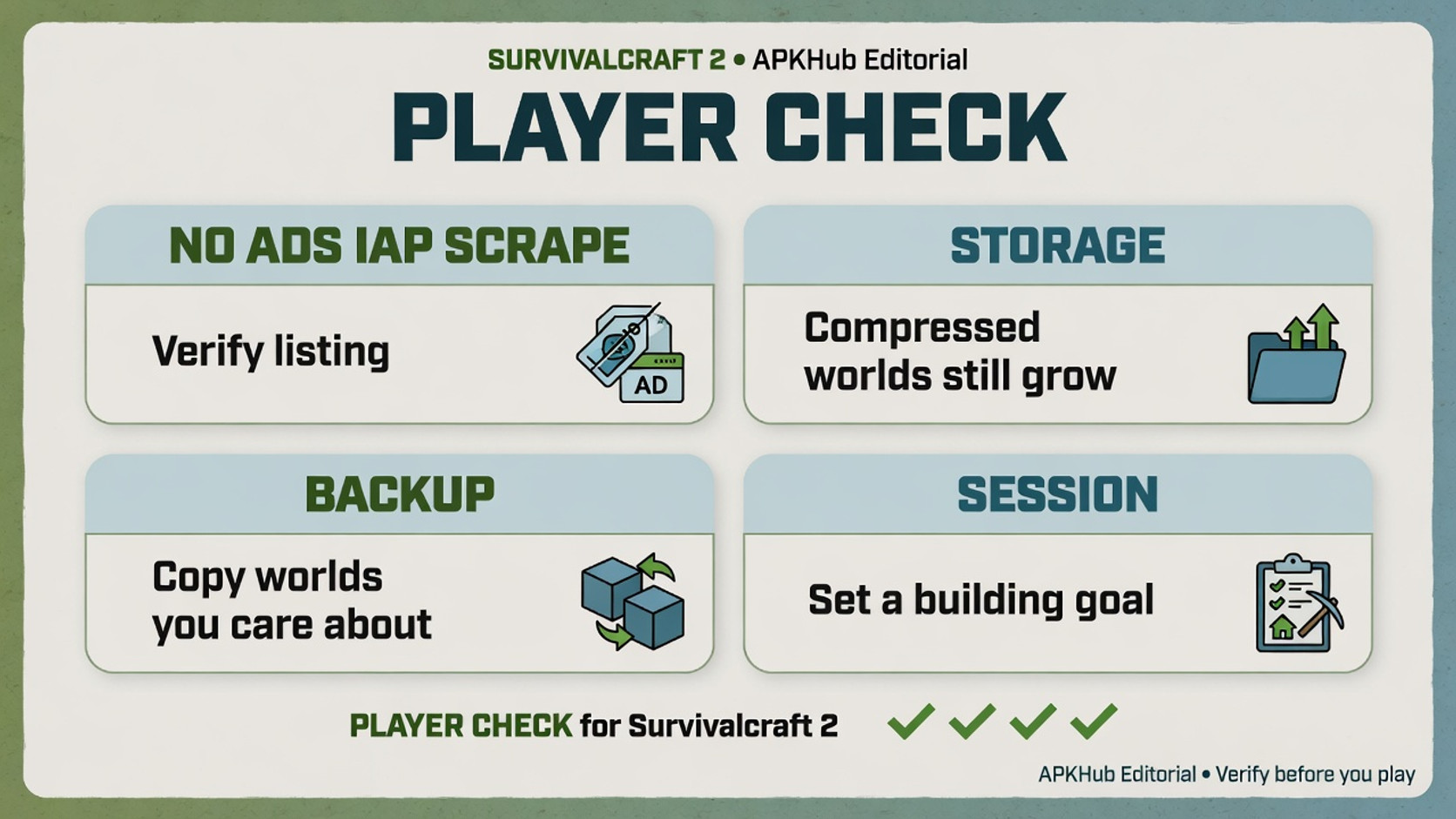
Editorial illustration: verify listing labels, back up worlds, and set a building goal before long sessions.
Final Verdict
Survivalcraft 2 remains a patient, systems-heavy alternative to louder survival games. Its best sessions start with a small shelter, honest difficulty, and a clear next craft. The 2.3 update language—world compression, easier Survival default, crawl spaces, editable switches—signals a product still refining the sandbox rather than chasing hype cycles.
If you want to farm, fence, wire, and wander without a storefront shouting at every death, Survivalcraft 2 is still one of the more coherent long-running mobile survival sandboxes. Bring curiosity, leave room for world files, and expand only when the base can support the trip home.


.webp?x-oss-process=image/resize,w_80/format,webp)