
Private Notepad - safe notes
Rating
Aug 01, 2024Latest update
6.1.0Version
About Private Notepad - safe notes
Private Notepad is a secure notepad app that allows you to create secret notes and reminders and to organize data in lists (to do list, checklist, shopping list). Store your photos in a private vault, backup your data to the secure cloud and sync it across your devices. Text and photos are securely encrypted. Create safe notes with this notepad!
Features:
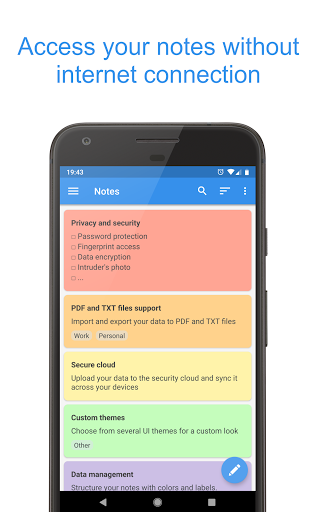
- Offline access: access your notes without internet connection
- Checklist: plan your day with to do list, make shopping list, grocery list
- Autosave: the notepad will save your notes automatically while you edit them
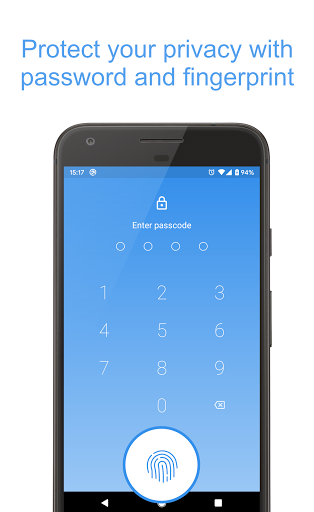
- Password protection: protect your notes and checklist with password, PIN-code or pattern
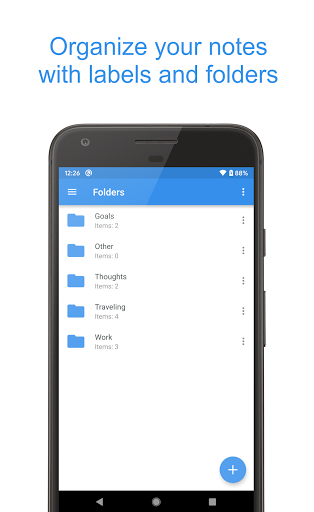
- Folders: organize your notes using folders
- Photo vault: add photos and images to your secure notes
- Encryption: your notes and photos are always stored encrypted with AES standard which is used in banking systems
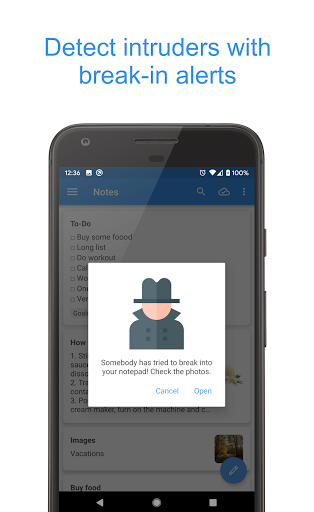
- Intruder's photo: the notepad will notify you about wrong password attempts and will show you a photo of the intruder
- Fingerprint access: open your notes and checklists with one touch
- Labels: group your notes and to do list with labels to find them easily
- Colors: make your notepad more colorful - paint your notes with your favorite colors
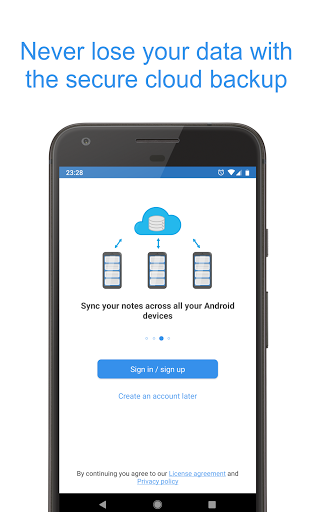
- Cloud sync: backup and sync your notes across your devices using the secure cloud
- Reminders: add reminders to your notes to remember important things
- Undo button: undo last changes while you edit a note or to do list
- Data hiding: enable hiding the most critical notes if someone tries to break into your private vault
- Self-destruction: enable destroying the most critical notes if someone tries to break into your private vault
- Selective protection: protect only particular notes or to do list with password
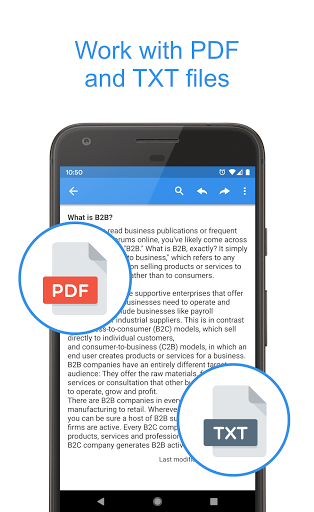
- PDF and TXT files: export your notes to PDF and TXT files or convert the existing file to your notes
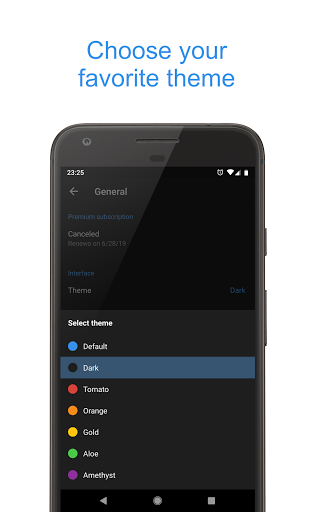
- UI themes: select from several notepad themes for a custom look
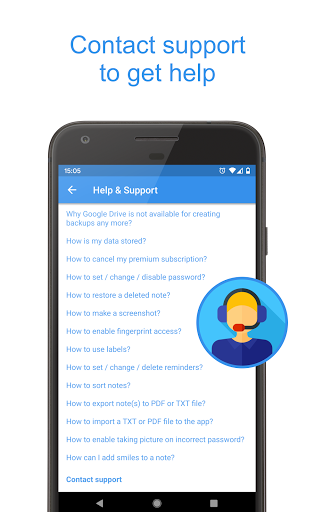
- Support: FAQ will help you to work with notes, checklist and reminders. Also you can always contact support if you have some questions
Permissions
- Camera: the notepad uses it for taking pictures of intruders
- Contacts: required to backup notes to your Google Drive
- Storage: required for exporting notes to the phone memory
- Network access and Internet: the notepad uses it for for syncing notes with cloud
- Billing service: required for purchasing premium version
- Fingerprint hardware: required for the fingerprint access
- Preventing notepad from sleeping: required for disabling the sleep mode in some situations
Features:
- Offline access: access your notes without internet connection
- Checklist: plan your day with to do list, make shopping list, grocery list
- Autosave: the notepad will save your notes automatically while you edit them
- Password protection: protect your notes and checklist with password, PIN-code or pattern
- Folders: organize your notes using folders
- Photo vault: add photos and images to your secure notes
- Encryption: your notes and photos are always stored encrypted with AES standard which is used in banking systems
- Intruder's photo: the notepad will notify you about wrong password attempts and will show you a photo of the intruder
- Fingerprint access: open your notes and checklists with one touch
- Labels: group your notes and to do list with labels to find them easily
- Colors: make your notepad more colorful - paint your notes with your favorite colors
- Cloud sync: backup and sync your notes across your devices using the secure cloud
- Reminders: add reminders to your notes to remember important things
- Undo button: undo last changes while you edit a note or to do list
- Data hiding: enable hiding the most critical notes if someone tries to break into your private vault
- Self-destruction: enable destroying the most critical notes if someone tries to break into your private vault
- Selective protection: protect only particular notes or to do list with password
- PDF and TXT files: export your notes to PDF and TXT files or convert the existing file to your notes
- UI themes: select from several notepad themes for a custom look
- Support: FAQ will help you to work with notes, checklist and reminders. Also you can always contact support if you have some questions
Permissions
- Camera: the notepad uses it for taking pictures of intruders
- Contacts: required to backup notes to your Google Drive
- Storage: required for exporting notes to the phone memory
- Network access and Internet: the notepad uses it for for syncing notes with cloud
- Billing service: required for purchasing premium version
- Fingerprint hardware: required for the fingerprint access
- Preventing notepad from sleeping: required for disabling the sleep mode in some situations
Private Notepad - safe notes Screenshots
Old Versions of Private Notepad - safe notes

Editor's Recommendation


Apps Like Private Notepad - safe notes
 Private Notepad - safe notes
 Safe Notes - Encrypted Notepad
 Notes - notepad, sticky notes
 EZ Notes - Notes Voice Notes
 UC Browser-Safe, Fast, Private
 Fast VPN Pro - Private & Safe
 Instant Notes: Smart Notepad
 Teka Notes - Notepad
 Notepad - simple notes
 Notes - Notepad and to do list
 TASK NOTES - Notepad, Reminder
 My Notes: Notepad and lists
Apps by Alexander Malikov RS
Private Notepad - safe notes FAQ
How do I download Private Notepad - safe notes from PGYER APK HUB?
Is the Private Notepad - safe notes on PGYER APK HUB free to download?
Do I need an account to download Private Notepad - safe notes from PGYER APK HUB?
How can I report a problem with Private Notepad - safe notes on PGYER APK HUB?
Did you find this helpfull
Yes
No
User Reviews
+ Reviews
4.6
5
4
3
2
1
T
TechGuruFaruk
2021-10-07
0
0
Private Notepad is my go-to for secure personal notes. It syncs notes online, and I appreciate the option to lock with a pattern or fingerprint. Notes are stored encrypted on my device.
C
CookieMaster
2019-02-07
2
0
Private Notepad is hands down the best app for keeping my thoughts and ideas private and organized.
S
SoranExplorer
2017-08-11
0
0
Private Notepad has been a reliable choice for managing my notes. It's simple yet effective.
Most Popular

Downloader by AFTVnews
AFTVnews.com

Character AI: AI-Powered Chat
Character.AI

Google Chrome
Google LLC

YouTube
Google LLC

X
X Corp.

Telegram
Telegram FZ-LLC

Netflix
Netflix, Inc.

Tubi: Movies & Live TV
Tubi TV

Disney+
Disney

VPN Proton: Fast & Secure VPN
Proton AG

Microsoft 365 (Office)
Microsoft Corporation

Reddit
reddit Inc.

Signal Private Messenger
Signal Foundation

Vinted - Buy and sell clothes
Vinted

Grand Theft Auto: San Andreas
Rockstar Games

Football League 2024
MOBILE SOCCER

Toca Life World: Build a Story
Toca Boca

EA SPORTS FC™ Mobile Soccer
ELECTRONIC ARTS

Roblox
Roblox Corporation

Free Fire MAX
Garena International I

PUBG MOBILE LITE
Level Infinite

Fortnite
Epic Games, Inc

Free Fire: The Chaos
Garena International I

Block Blast!
Hungry Studio