

PDF Reader
Rating
Feb 08, 2025Latest update
8.9.183Version
About PDF Reader
PDF Reader: Your Ultimate eBook Management Tool
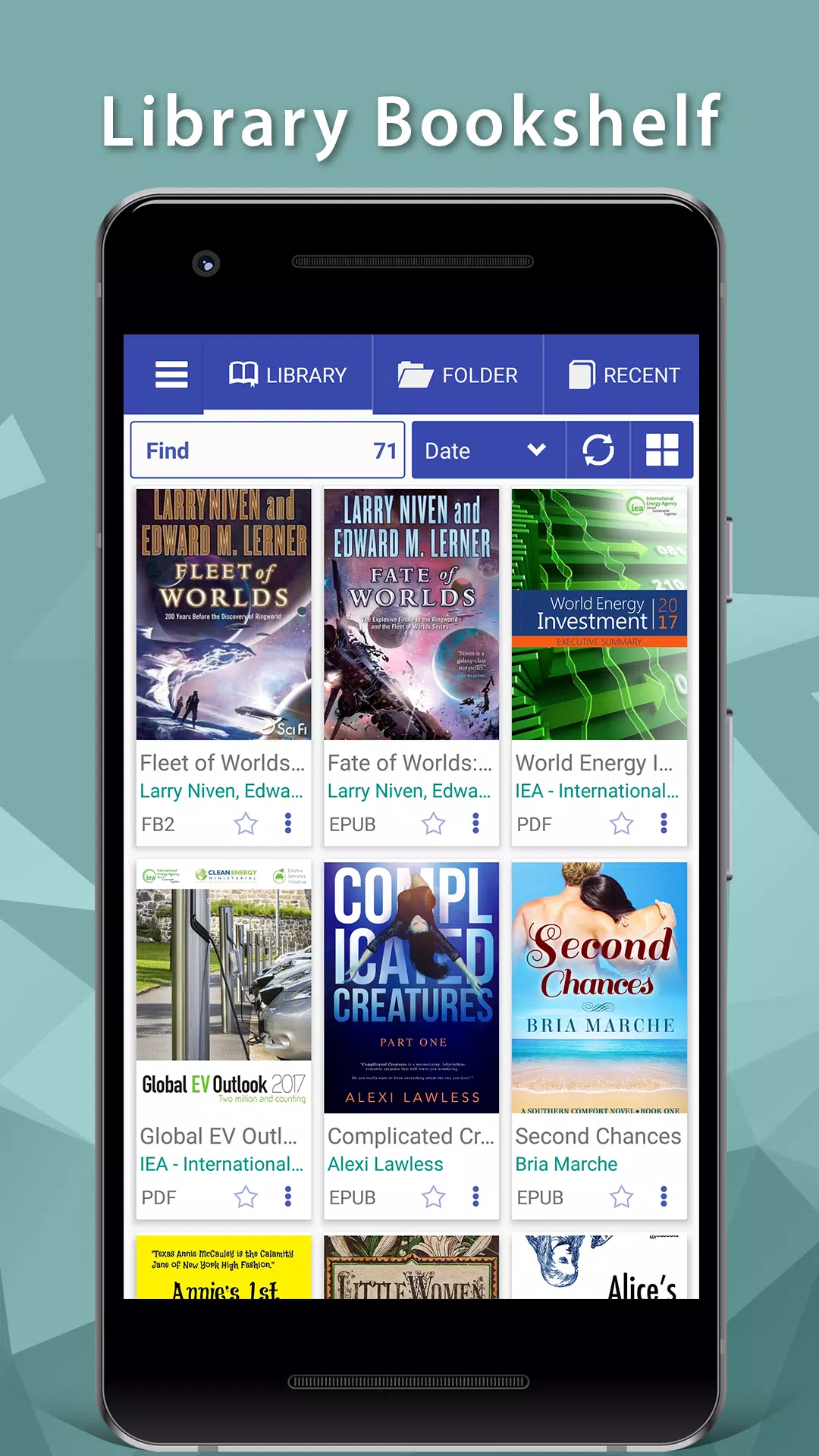
PDF Reader is an exceptional application designed to simplify the process of managing and accessing your eBooks directly from your mobile device. Whether you're reading technical manuals, novels, comics, or academic papers, PDF Reader ensures that all your documents are within easy reach.
Supported Formats:
PDF Reader supports a broad range of eBook formats, including PDF, DjVU, XPS (OpenXPS), FictionBook (fb2 and fb2.zip), Comics Book formats (cbr and cbz), EPUB, EPUB 3, MOBI, AZW, AZW3, and LibreOffice, OpenOffice (ODT, RTF).
Key Features:
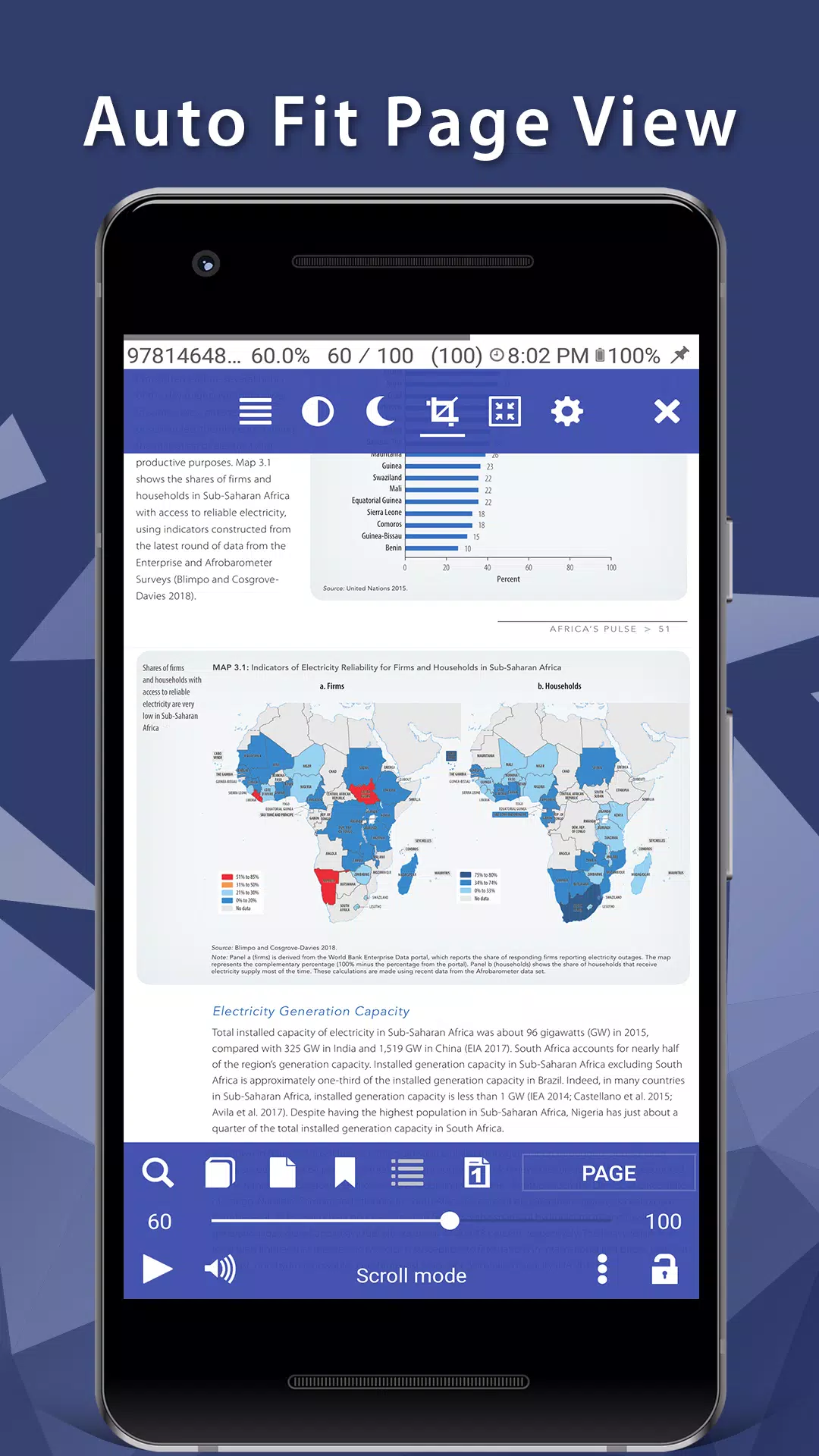
- Viewing Modes: Choose between pages or scroll view with page flipping animations.
- Text to Speech (TTS): Convert PDF text into spoken words.
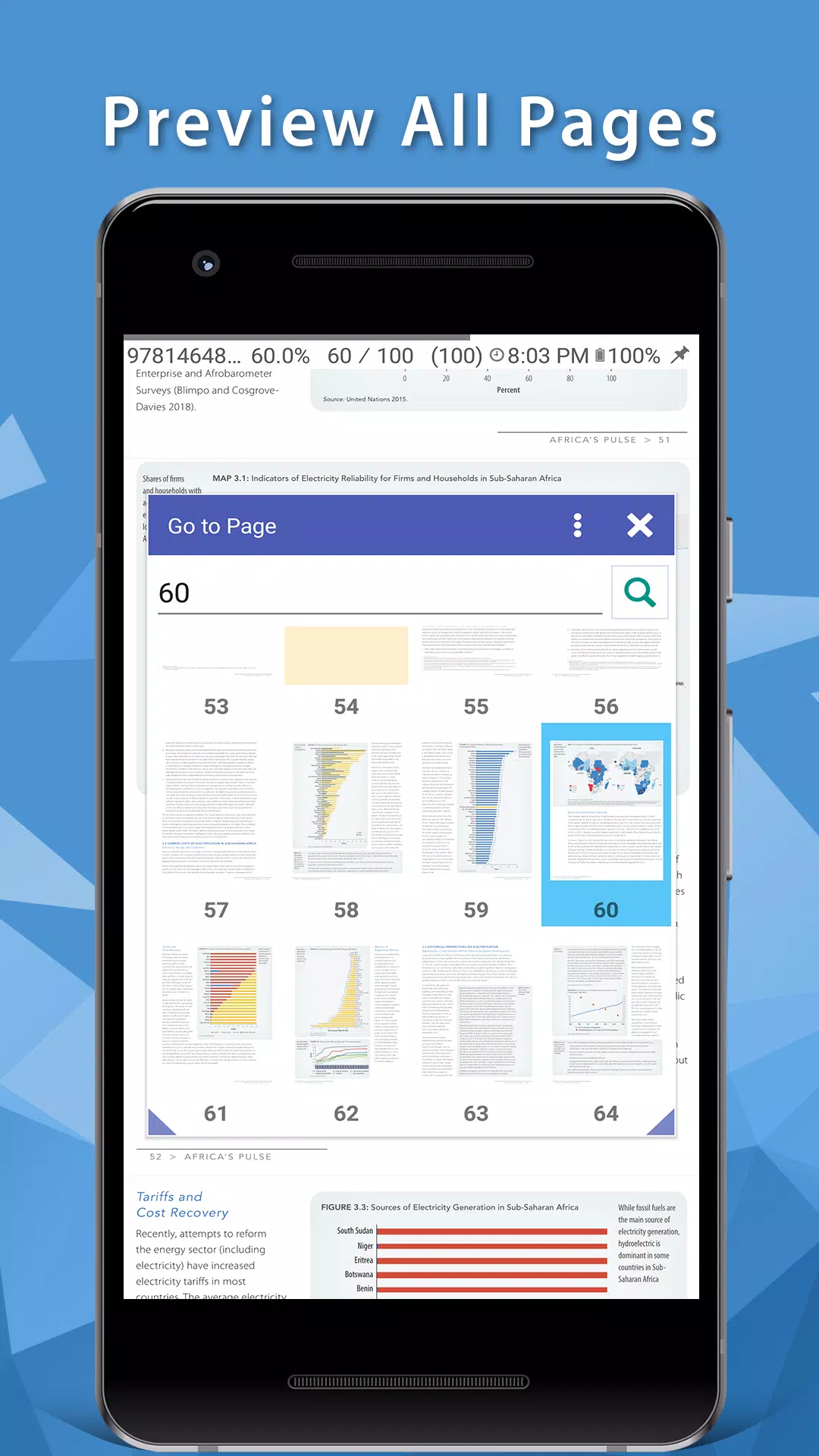
- Navigation Tools: Utilize table of contents, bookmarks, and text search functionalities.
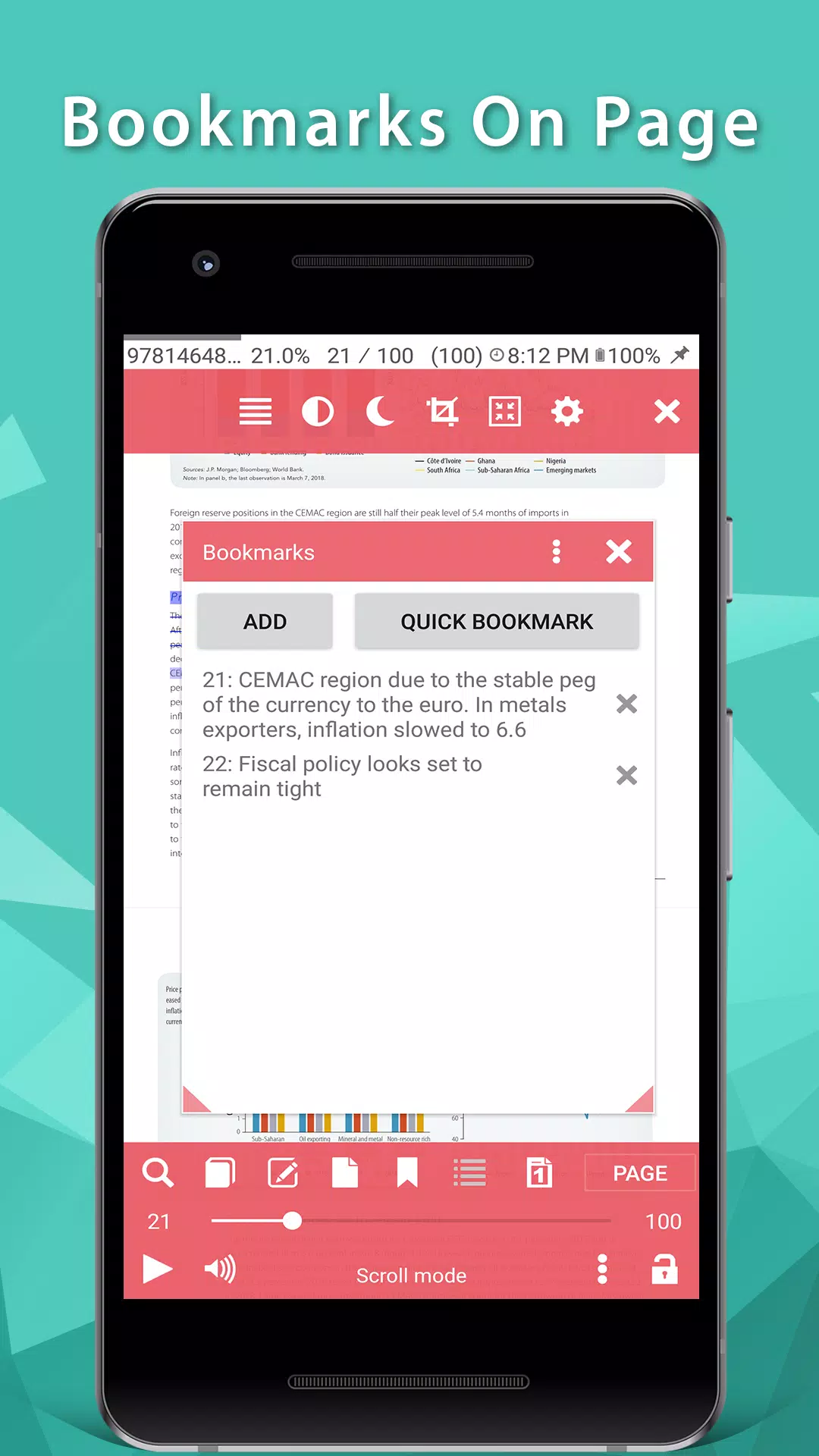
- Enhanced Proofreading: Bookmark text fragments with comments or corrections.
- Export Options: Export bookmarks to a text file for easy reference.
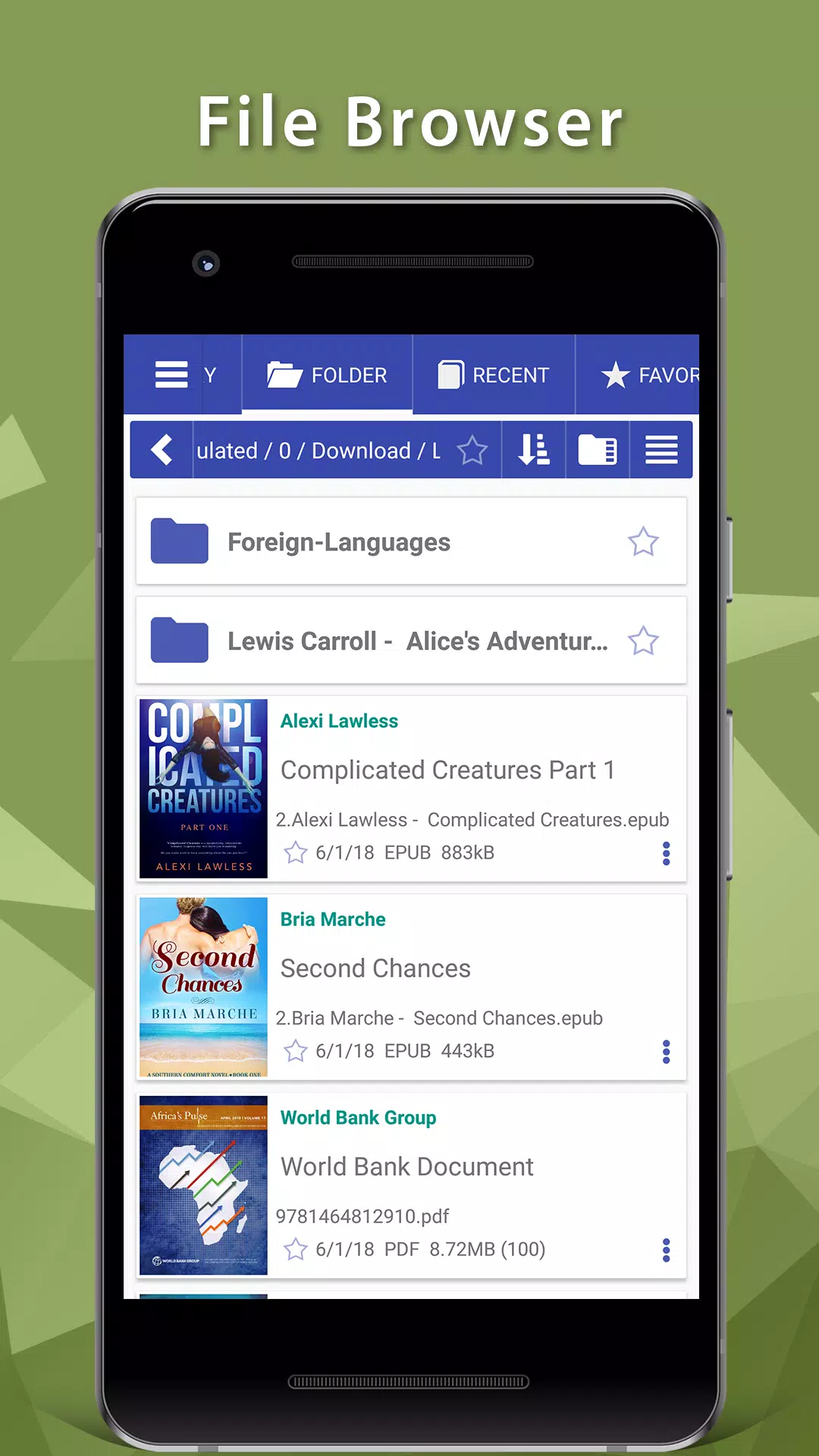
- File Browser: Quickly access recent books through the built-in file browser.
- Online Catalogs: Support for OPDS online catalogs.
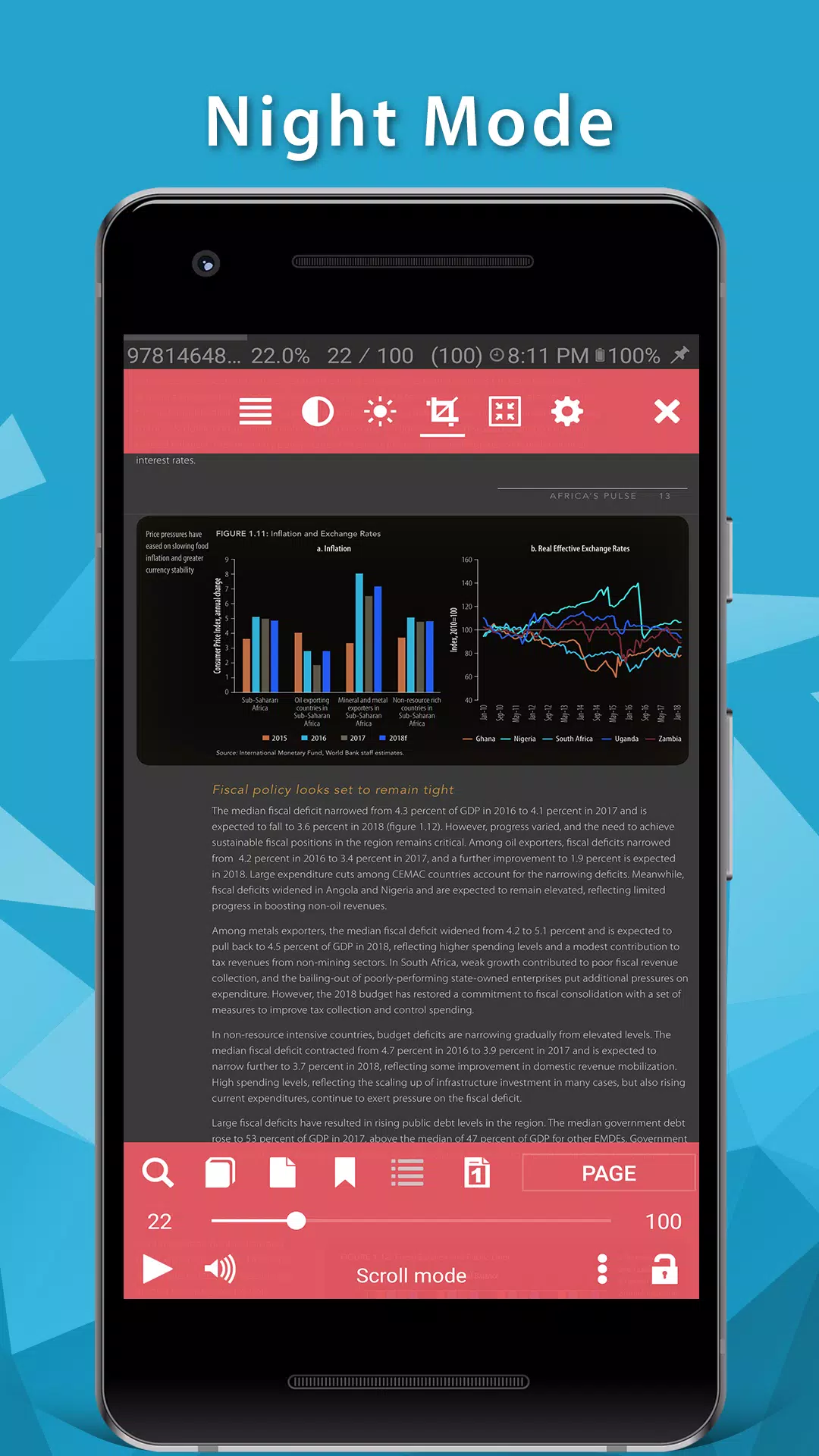
- Night Reading Mode: Reduce eye strain with a comfortable night reading mode.
- Hyphenation Dictionaries: Improve readability with hyphenation dictionaries.
- Comprehensive FB2 Format Support: Full support for styles, tables, and footnotes in FB2 files.
- Additional Fonts: Customize your reading experience by adding additional fonts.
- Multilingual Support: Read books in Chinese, Japanese, and Korean languages with automatic detection of TXT file encodings.
- Day and Night Profiles: Switch between two sets of colors, backgrounds, and backlight levels.
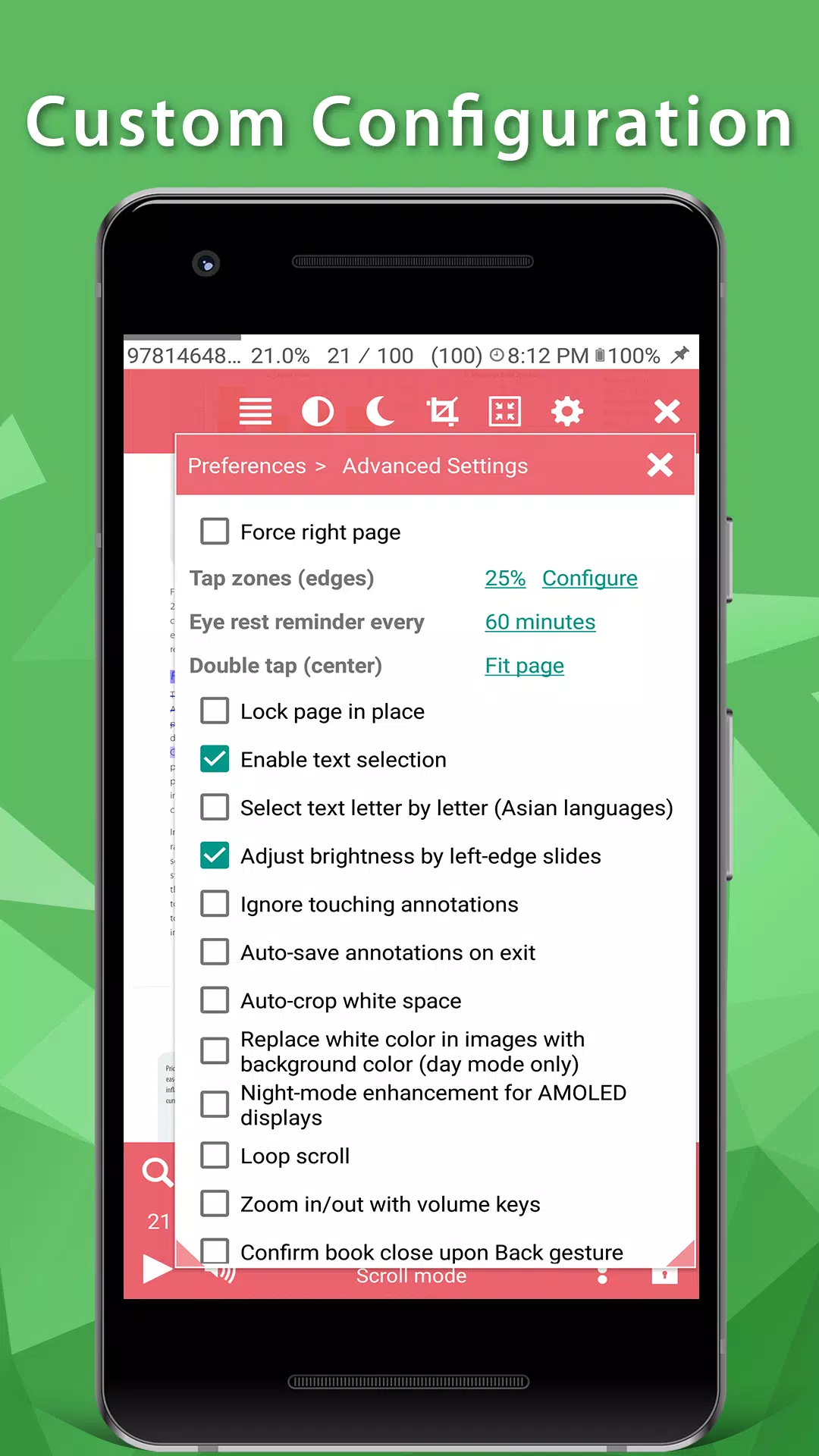
- Brightness Adjustments: Easily adjust brightness by flicking on the left edge of the screen.
- Background Customization: Choose from stretched or tiled textures or solid colors.
- Page Turning Animations: Enjoy paperbook-like page turning animations or "sliding page" effects.
- Dictionary Support: Access dictionary entries within PDF books using popular dictionary apps.
- Customizable Tap Zones: Personalize tap zones and key actions.
- Autoscroll: Automatically flip pages using the menu, goto, or autoscroll options. Adjust speed using volume keys or tap zones.
- Zip Archive Support: Read books directly from zip archives.
- Automatic Reformatting: Automatically reformat .txt files with heading detection.
- Customizable Styles: Customize styles extensively using external CSS.
- Text Selection: Double-tap to select text (optional).
Disclaimer:
This app is based on Librera code and is licensed under the GNU General Public License.
Gameplay
PDF Reader Screenshots
Old Versions of PDF Reader

Editor's Recommendation


Apps Like PDF Reader
 PDF Reader: Ebook PDFs Reader
 PDF - PDF Reader
 PDF Reader - Image to PDF
 AzPDF: PDF Reader, PDF Viewer
 PDF Reader - PDF Viewer
 PDF Reader – PDF Viewer
 PDF Reader: Edit & Convert PDF
 PDF Reader - PDF Viewer
 PDF Reader Pro- All PDF Viewer
 Smart PDF Reader - PDF Viewer
 PDF Reader - PDF Viewer
 PDF Viewer - PDF Reader App
Apps by Librera


User Reviews
+ Reviews
4.8
5
4
3
2
1
D
Dennis
2025-01-18
28
0
PDF Reader is an incredibly user-friendly app that makes managing and reading PDFs a breeze. Highly recommended!
S
Stella
2025-02-13
18
0
I’ve tried several PDF apps, but PDF Reader stands out with its smooth performance and intuitive interface.
J
Juliana
2025-02-16
13
0
PDF Reader has become my go-to app for all my PDF needs. It’s fast, reliable, and packed with useful features.
Most Popular

Downloader by AFTVnews
AFTVnews.com

Character AI: AI-Powered Chat
Character.AI

Google Chrome
Google LLC

YouTube
Google LLC

X
X Corp.

Telegram
Telegram FZ-LLC

Netflix
Netflix, Inc.

Tubi: Movies & Live TV
Tubi TV

Disney+
Disney

VPN Proton: Fast & Secure VPN
Proton AG

Microsoft 365 (Office)
Microsoft Corporation

Reddit
reddit Inc.

Signal Private Messenger
Signal Foundation

Vinted - Buy and sell clothes
Vinted

Grand Theft Auto: San Andreas
Rockstar Games

Football League 2024
MOBILE SOCCER

Toca Life World: Build a Story
Toca Boca

EA SPORTS FC™ Mobile Soccer
ELECTRONIC ARTS

Roblox
Roblox Corporation

Free Fire MAX
Garena International I

PUBG MOBILE LITE
Level Infinite

Fortnite
Epic Games, Inc

Free Fire: The Chaos
Garena International I

Block Blast!
Hungry Studio