
VLC for Android Screen Ratio Review — Watching Old Home Videos


A digitized home video looks fine until someone turns the phone sideways and fills the display. Suddenly faces look wider, or the date in the corner disappears. VLC for Android gives you several ways to fit a video to the screen. The difference matters most with older footage because the edges often contain information you want to keep.
Start with a frame you can judge
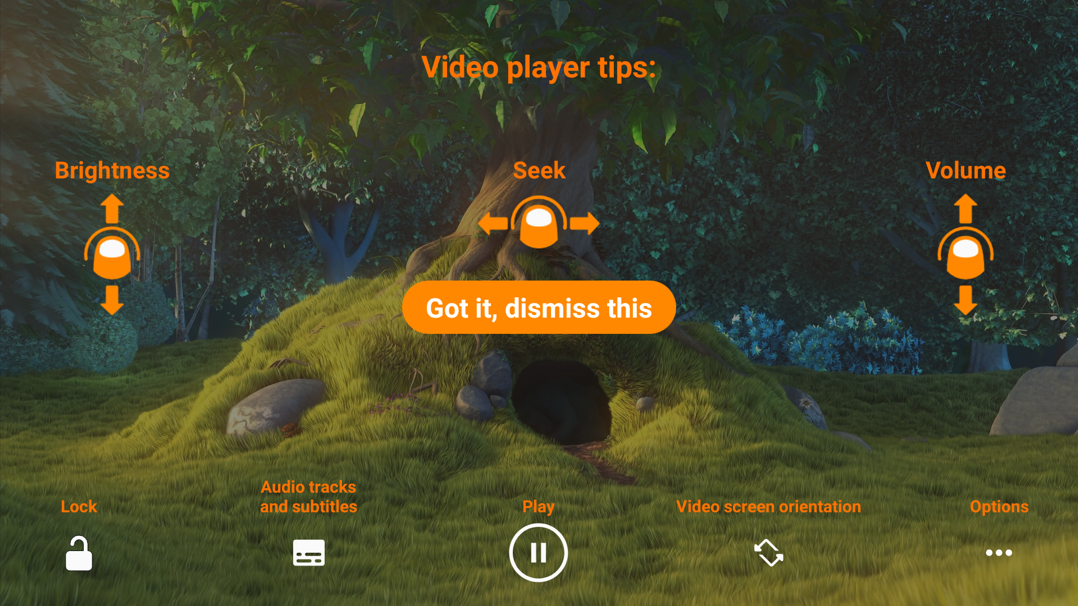
Pause on a shot with something familiar near the center, such as a round clock, and something near an edge, such as a date stamp. Open the player controls and start with Best fit, VLC's default. For a correctly tagged 4:3 recording on a wide phone, side bars are expected. If the clock looks round and the date is visible, you have a baseline for judging the other modes. VideoLAN's screen ratio documentation
Choose which compromise you can live with
Fit Screen can hide parts of the frame as it scales the video to occupy more of the display. This can be tolerable for a shot with the subject in the middle. It is a poor fit for a school performance where children at the sides matter as much as the person in the center. Switch modes while the same frame is paused and look at the corners before resuming.
Fill stretches the picture to occupy the display without hiding parts. The date may stay visible, but the clock can turn oval and faces can look wider. That trade-off is easy to miss in a landscape and conspicuous in a close-up. VideoLAN's comparison of display modes
Try 4:3 when the starting picture already looks wrong
If a digitized tape looks stretched even in Best fit, try VLC's 4:3 mode and compare the same clock and faces again. A forced ratio can help when the video is already being displayed with the wrong proportions. If the black borders are baked into the recording itself, changing the ratio can also reshape the useful picture inside them. Check a second scene before deciding the setting works for the whole clip.
Verdict
VLC makes the trade-off easy to see because you can compare modes on a paused frame. Best fit is a sensible starting point for intact footage. Fit Screen is useful when there is room to lose the edges, and a forced 4:3 display is worth trying when a known old recording looks wide from the start. For a family video with important details at the edges, keeping the whole frame usually matters more than filling the phone.


